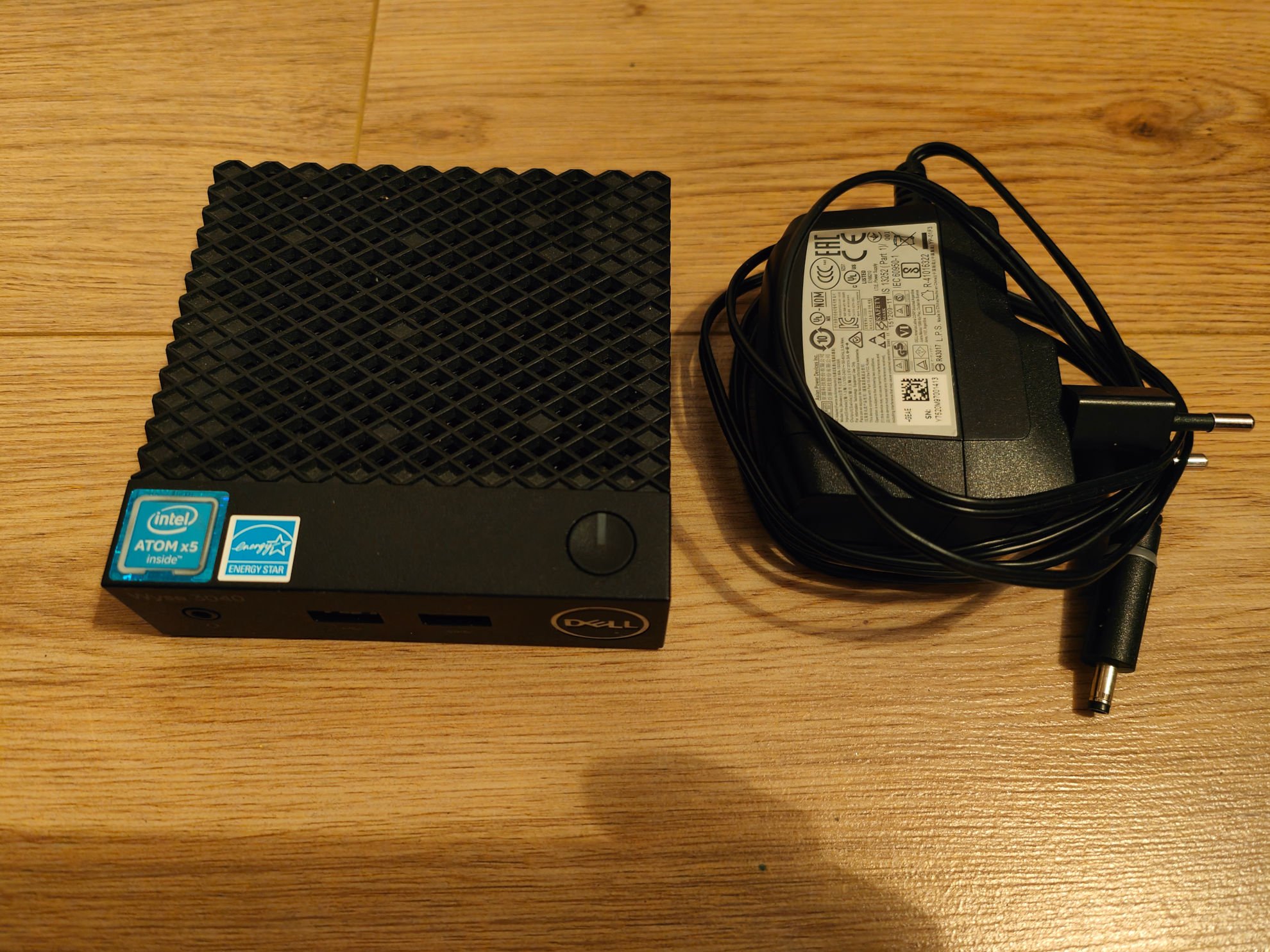
Dell Wyse 3040
 |
|  |
| 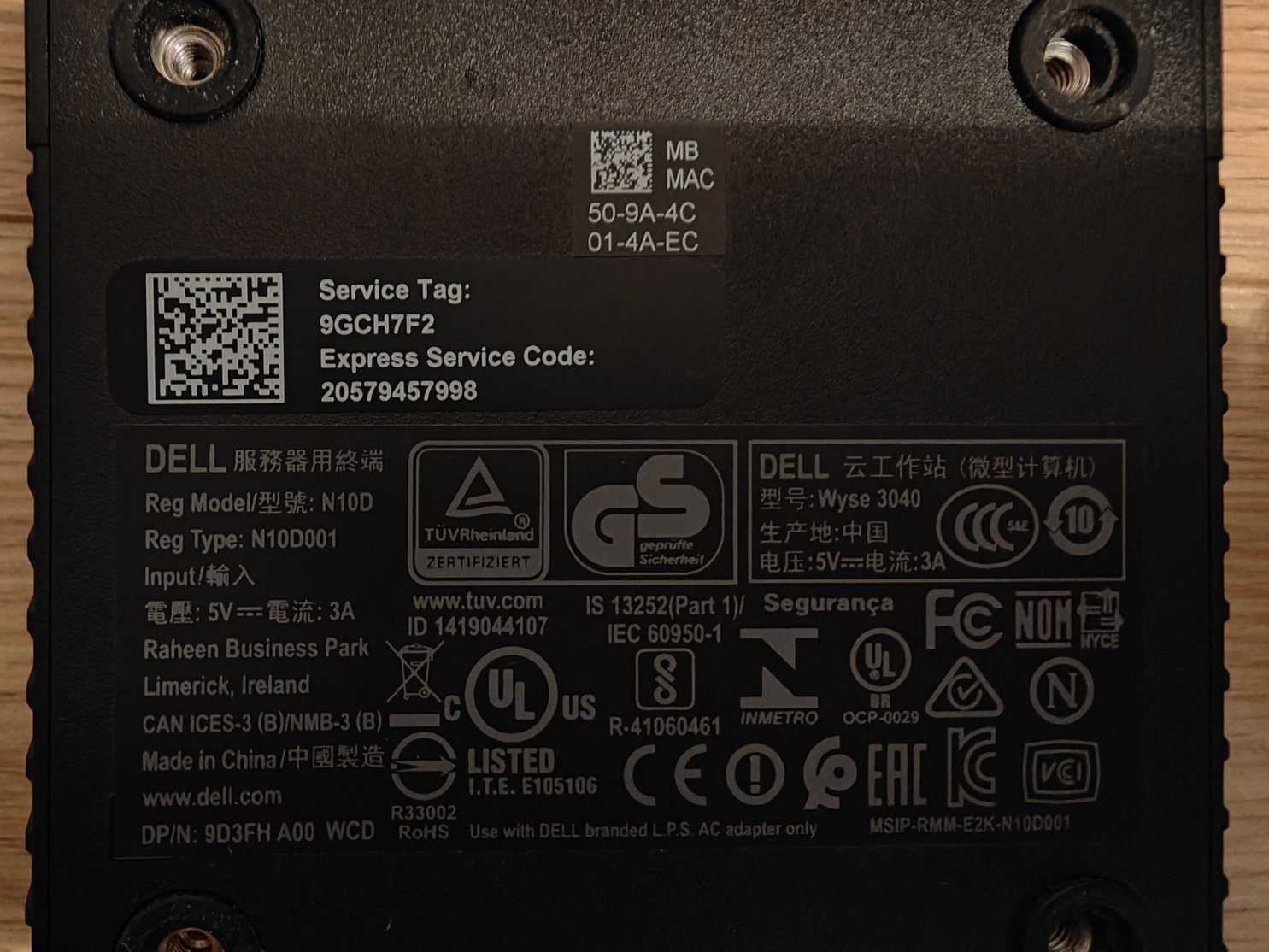
Table of Contents
Scope of this post
I will not make a detailed post about this thin client as this is already very well documented on its own page on parkytowers. I just want to bring some extra information about 2 usages that I thought for this device in 2026...
Overview
I arrived late to the Wyse area of the thin clients. The 5070 attracted my attention when I saw that it has a similar CPU like the Fujitsu Futro S740 but offers 2x RAM Slots. And as of now (February 2025) RAM is very "highly" valued this became very interesting: the scalpers second hand internet market seem to price 1x 8GB DDR4 RAM sticks higher than 2x 4GB... Nevertheless, looking at the 5070 I stumble upon also his little brother, the 3040, which looks very interesting... and therefore I got myself two pieces. For what purpose? Well let's see...
BIOS Update
But before digging forward some administrative work: the BIOS Update.
If you got your device from the flea market or "craig's list" most probably it hasn't the BIOS updated... This is not always mandatory but I had thin clients where Home Assistant complained about boot and UEFI and a BIOS Update solved the problem. The update of the BIOS for Dell Wyse 3040 is very easy. There are several methods available and I have chosen the most generic one: updating form a USB Stick.
Download the BIOS Update from the Dell support site. Use the "BIOS" for the Operating System. This will download a .exe file that needs to be written to a USB Stick. At the moment of writing this article this file is available: Wyse_3040_1.2.5.exe, 1.2.5 being the BIOS Version that my BIOS showed after update.
Pres F12 during boot to get the one time boot splash screen and choose the BIOS update option. The standard password is "Fireport". In the next option screen choose the downloaded file and update the BIOS. It should be as they are saying here in Austria: 0815!
After the update enter one more time BIOS (F2 during boot), unlock it (again with "Fireport" password) and disable "Secure Boot". :-)
Home Assistant
Yes, my favorite topic nowadays... but it seems I forgot what a pain in the a$$ is this beloved Atom X5-Z8350! Yes it has 4 Cores but do not give it to chew a modern GUI with a modern browser! The live media of Ubuntu was horrific and I could not under any circumstances follow the process described here. I had a look at what else I have on my Ventoy 128GB Stick and MX Linux started winking... OK, looks good lets give it a try! Its light, loads faster, the GUI is almost usable... this is until you start Firefox... OK, we need another approach... and this involves writing URL by hand... how old fashioned....
wget https://github.com/home-assistant/operating-system/releases/download/17.1/haos_generic-x86-64-17.1.img.xzyes! it worked! now I have the image locally, moving to the next problem: the "Gnome" Disks App is not available on the XFCE based MX Linux... ok, let's try
sudo apt install gnome-disk-utilityFail! By the way: why the app is called "Disks" but the package gnome-disk-utility?
Nevertheless we need something else! Yes we need dd, so once again dd to the rescue as described here: dd a compressed *.xz image into a partition:
lsblk #display your disks. Look for mmcblk0 or alike
xz -dc haos_generic-x86-64-17.1.img.xz | dd of=/dev/mmcblk0 status=progress
and it worked! After restart Home Assistant booted very very happy and updated. Success!
By the way something like this can be done from a CLI only environment without even touching the GUI (did I mentioned what a pain in the a$$ is a GUI on this CPU? :-D)
Pi Hole
Well the first one humms and zumms very happy with Home Assistant so its time to check how the second one will do with Pi Hole...
This was straight forwarder as expected: i just installed Ubuntu 24.04 Server (via CLI of course), updated it and then installed Pi-hole as mentioned here:
curl -sSL https://install.pi-hole.net | bashWham-bam, and the Pi-hole was available in browser! Easy-peasy :-D
(Instead of) Conclusion
Its 2026 and the Dell Wyse 3040 still can server a purpose. Even if this is only one (tiny) purpose, it serves it well! Happy micro-servering!
